Your Cart is Empty
I Agree with the Terms & Conditions [View Terms]
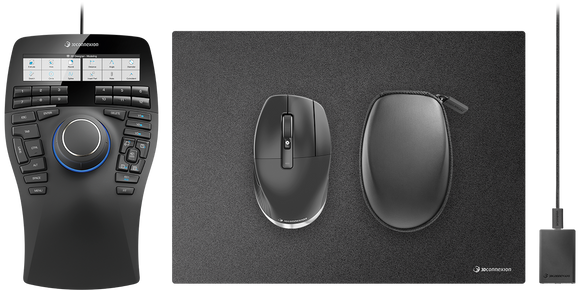
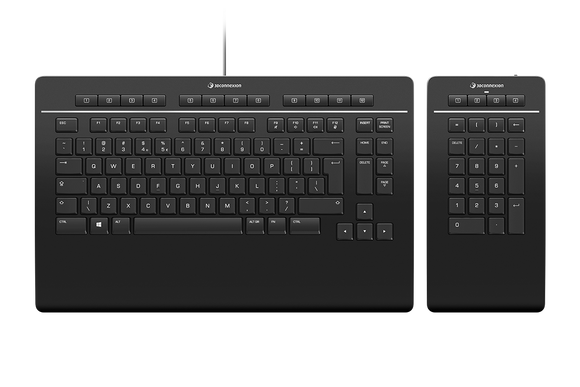
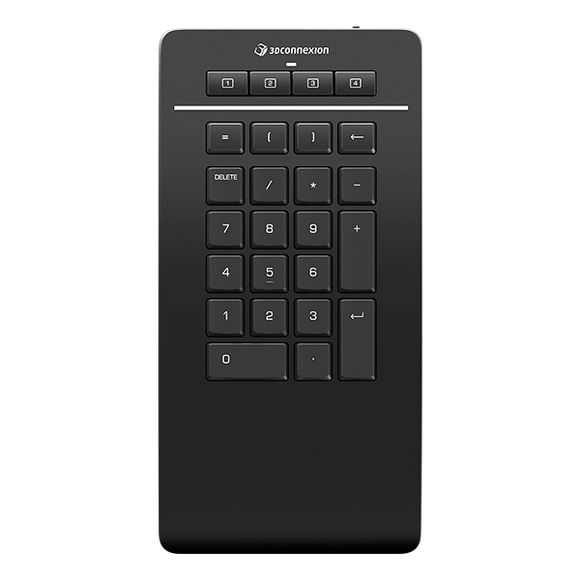
The SpaceMouse® Enterprise Kit offers engineering professionals all tools for an ergonomic and efficient two-handed workflow.
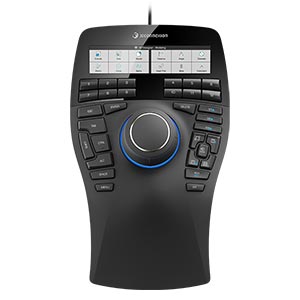
SpaceMouse Enterprise: Built For Top Engineering Performance
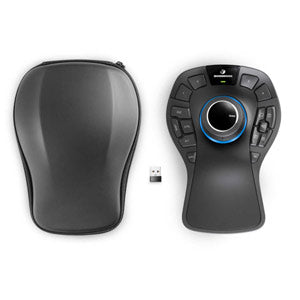
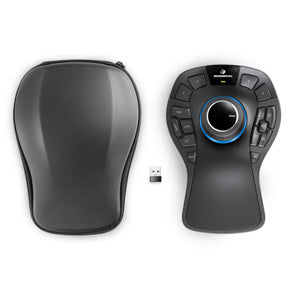
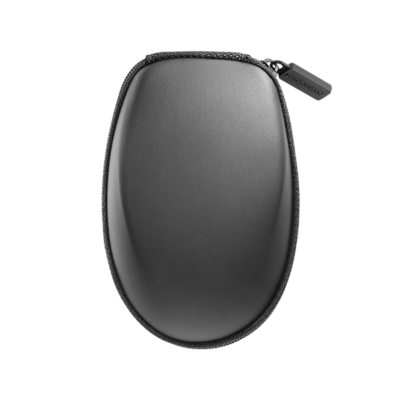
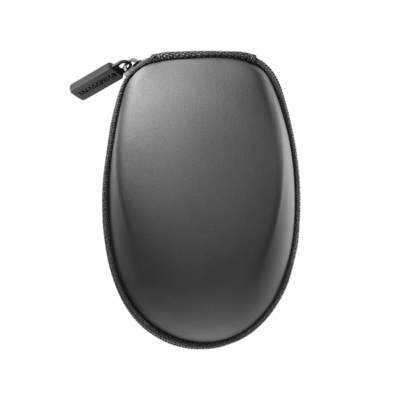
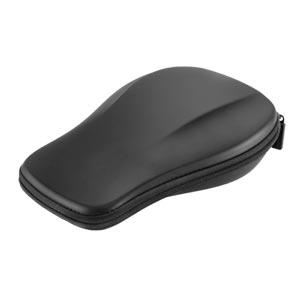
SpaceMouse Pro Wireless 3D Mouse: The Wireless 3D Mouse for the Pro with carry case included. Connected wireless to a Micro-USB dongle (included) on your USB port
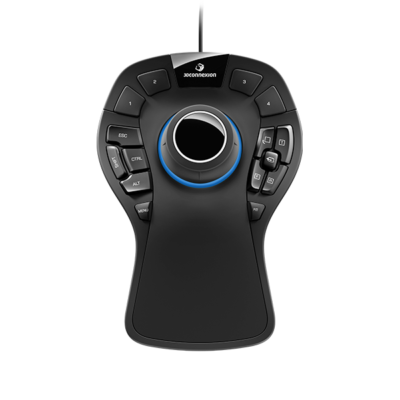
SpaceMouse Pro Wired: Superior 3D Navigation mouse for Professionals. USB wired
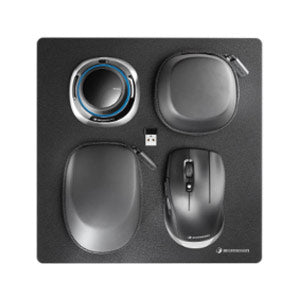
SpaceMouse Wireless Kit: The Mobile CAD Solution
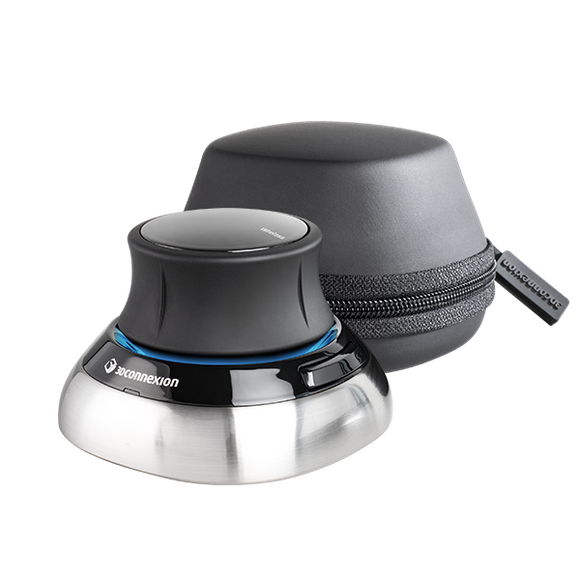
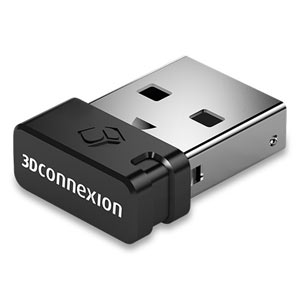
SpaceMouse Wireless: The World's First Wireless 3D Mouse. Includes the Universal Receiver and carry case. Connected wireless to a Micro-USB dongle (included) on your USB port.
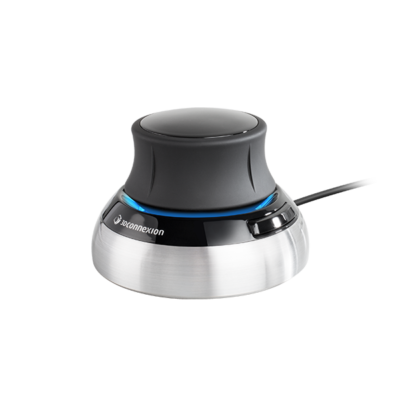
SpaceMouse Compact: Designed fro Advanced 3D Navigation
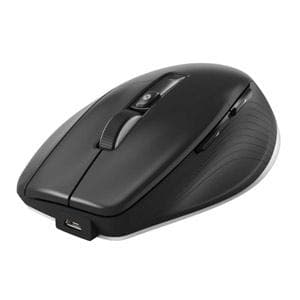
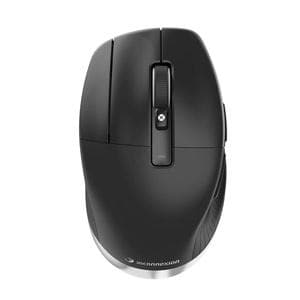
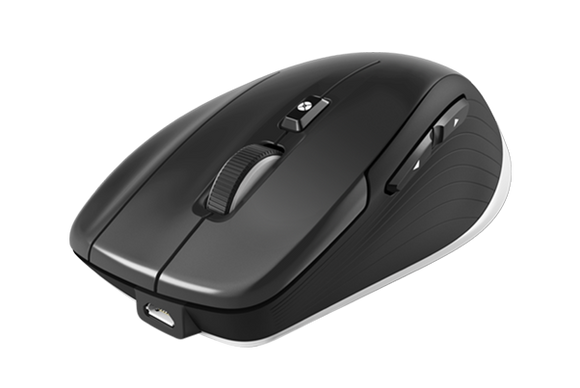
CadMouse Pro Wireless 3D Mouse: The Precision Ergonomic Mouse for CAD Professionals. Carry case included
CadMouse Pro Wireless Left: The Left-side Solution for CAD Professionals. Carry Case Included.
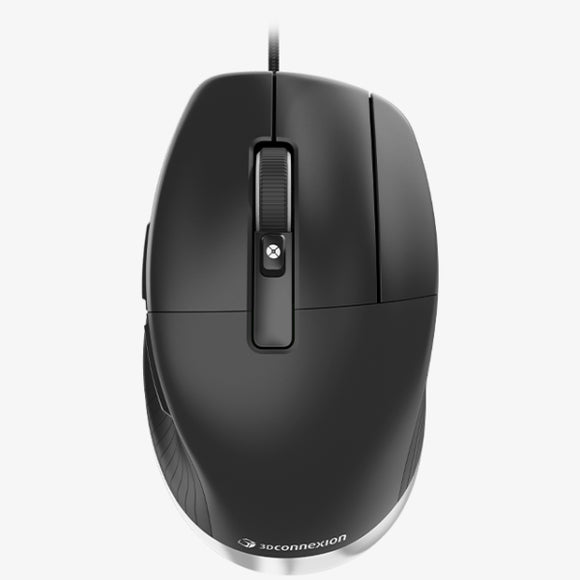
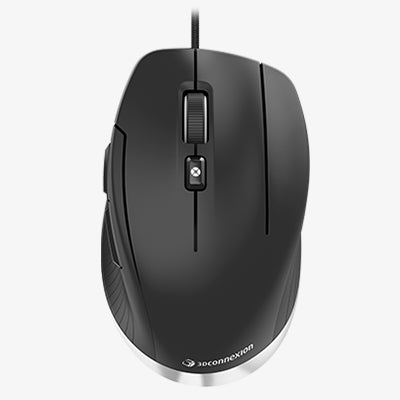
The industry-acclaimed purpose-built mouse specifically suited for design and engineering professionals. Featuring advanced ergonomics with dedicated middle mouse button and precise calibration, the full-size wired mouse offers exceptional comfort and greater durability.
Designed for Cad Professionals, Creatives and Makers
The ideal lightweight mouse for those who prefer to use a compact form factor for their hand size and grip type, while maintaining exceptional precision and top comfort.
Perfect balance between precision and comfort.
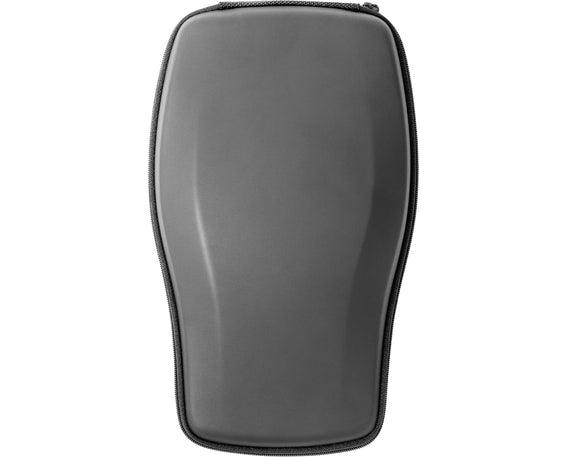
For SpaceMouse Enterprise.
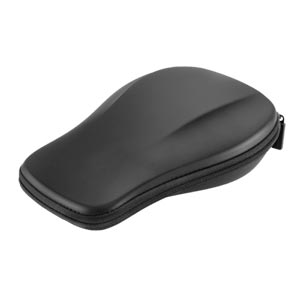
Fits SpaceMouse Pro, SpaceMouse Pro Wireless
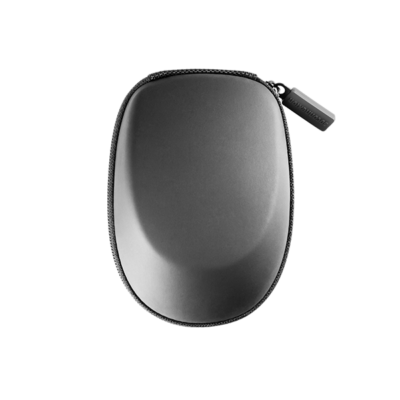
One for All. Supports all 3Dconnexion Wireless Products
Sign up to get the latest on sales, new releases and more …